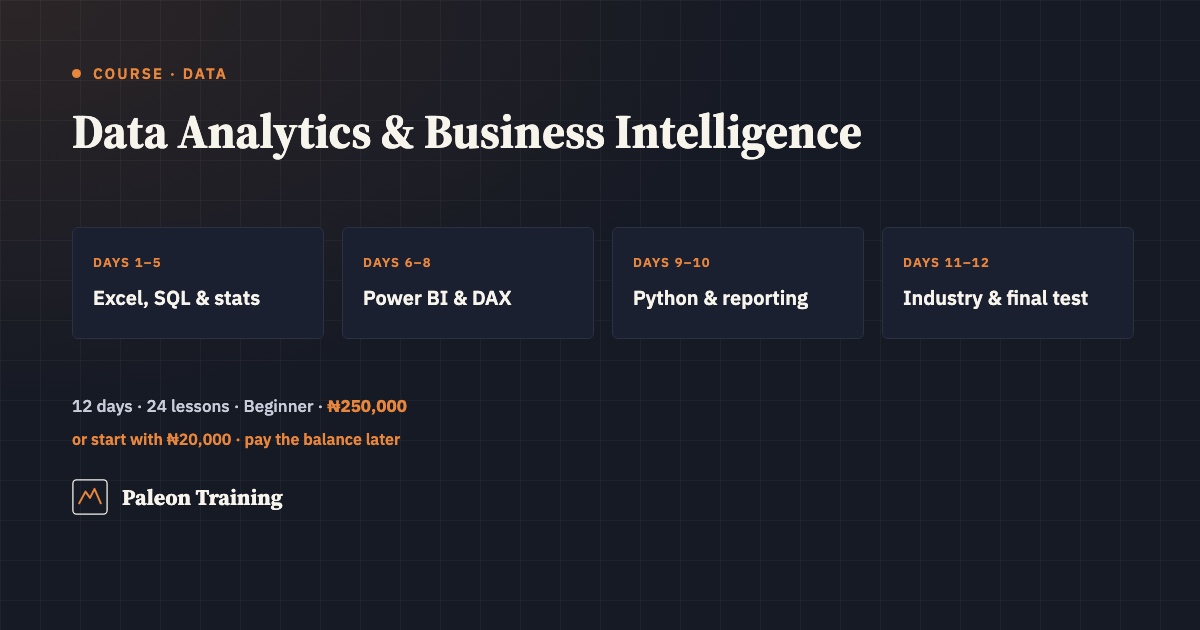
A practical, beginner-friendly course in turning raw data into decisions — clean and analyse data in Excel, query databases with SQL, build Power BI dashboards, explore data in Python and report what you find to managers. No data, coding or maths background needed.
Last reviewed: 15 November 2026 · Reviewed by Paleon Training
Overview
What is the Data Analytics & Business Intelligence course?
In short
Data Analytics & Business Intelligence is a beginner-level online course from Paleon Training: 12 days of curriculum and 24 lessons. Each lesson has two parts, written in plain English and paired with a video for each part, with a practical exercise and an eight-question knowledge check in every lesson. The course ends with your own data project and a 30-question final assessment. The course fee is ₦250,000.
Who it’s for
Graduates, NYSC members, students and working professionals from any background who want to work with data, whether you are aiming for a data analyst, reporting or business intelligence role, or want to build dashboards and reports in banking, telecoms, oil & gas, business or the public sector. No data, coding or maths background is needed.
Curriculum
What you’ll learn
Day
Module
Day 1
Introduction to Data Analytics, Data Types and Data Quality Analytics vs business intelligence, the analysis process, types of data, and data quality and privacy.
Day 2
Microsoft Excel for Data Analysis Your first formulas, cleaning duplicates and blanks, IF, SUMIFS and XLOOKUP, and PivotTables.
Day 3
Databases and SQL for Data Analysis Building a database in DB Browser for SQLite; SELECT, WHERE and ORDER BY; GROUP BY and JOINs.
Day 4
Introduction to Statistics for Data Analytics Mean, median and mode; spread; percentages and growth rates; correlation and misleading conclusions.
Day 5
Data Visualisation and Storytelling Choosing the right chart, designing clear and honest charts, dashboard layout and turning numbers into a message.
Day 6
Introduction to Power BI How Power BI is organised, getting data in, cleaning it with Power Query and building your first report.
Day 7
Power BI Data Modelling and DAX Fact and dimension tables, relationships and the star schema, measures, CALCULATE and time intelligence.
Day 8
Building Interactive Power BI Dashboards Planning around business questions; slicers, filters and drill-down; KPI cards and sharing.
Day 9
Python for Data Analysis Python in Google Colab, loading a dataset with pandas, filtering, grouping and summarising, and a full exploratory analysis.
Day 10
Business Analysis, Reporting and Decision-Making Business questions and KPIs, clear analytical reports, recommendations and presenting to managers.
Day 11
Data Analytics in Oil & Gas, Banking and Telecommunications Production and downtime with an operations dashboard, unusual banking transactions, and telecoms customer churn.
Day 12
Final Project and Assessment Plan and build your own analysis of retail, oil & gas, banking or telecoms data, with a dashboard, report and presentation, then take the 30-question final assessment.
How it’s taught
Practical, project-based learning
Plain-English lessons — every idea starts with an everyday example before any technical word appears.
Two-part lessons with a video for each part — read it, watch it, or both, and stop between the parts if you need to.
Real tools, free versions: Excel for the web, SQL in DB Browser for SQLite, Power BI Desktop, and Python in Google Colab.
Practice datasets for fictional retail, oil & gas, banking and telecoms organisations, ready to download.
A practical exercise and an eight-question knowledge check in every lesson: clean a dataset, write SQL queries, build a PivotTable report, model data in Power BI, run an exploratory analysis in Python and more.
Your own project and a final assessment: plan and build an analysis of retail, oil & gas, banking or telecoms data with a Power BI dashboard, a short report and a presentation, then take a 30-question final assessment (pass mark 80%).
Certificate of completion when you finish the course.
CV and reference support when you finish the course.
Real feedback from students who completed the course, shared with their permission.
Before you enrol
What you get, and how it works
Try it free first
The first lesson of Day 1 is free to read and watch — no account needed. Open the free lesson.
Self-paced, start anytime
Start as soon as your payment is confirmed and study at your own pace. Lessons work on your phone; the Excel, SQL, Power BI and Python practice is easier on a laptop.
Lifetime access
Once you’ve paid, you keep access to every lesson and video — it doesn’t expire.
7-day refund
Changed your mind? Cancel within 7 days of your payment being confirmed and get a full refund, less a 5% administrative charge, as long as you haven’t started Day 2. Try Day 1 first. Payments are taken securely by Flutterwave. Read the terms.
Certificate of completion
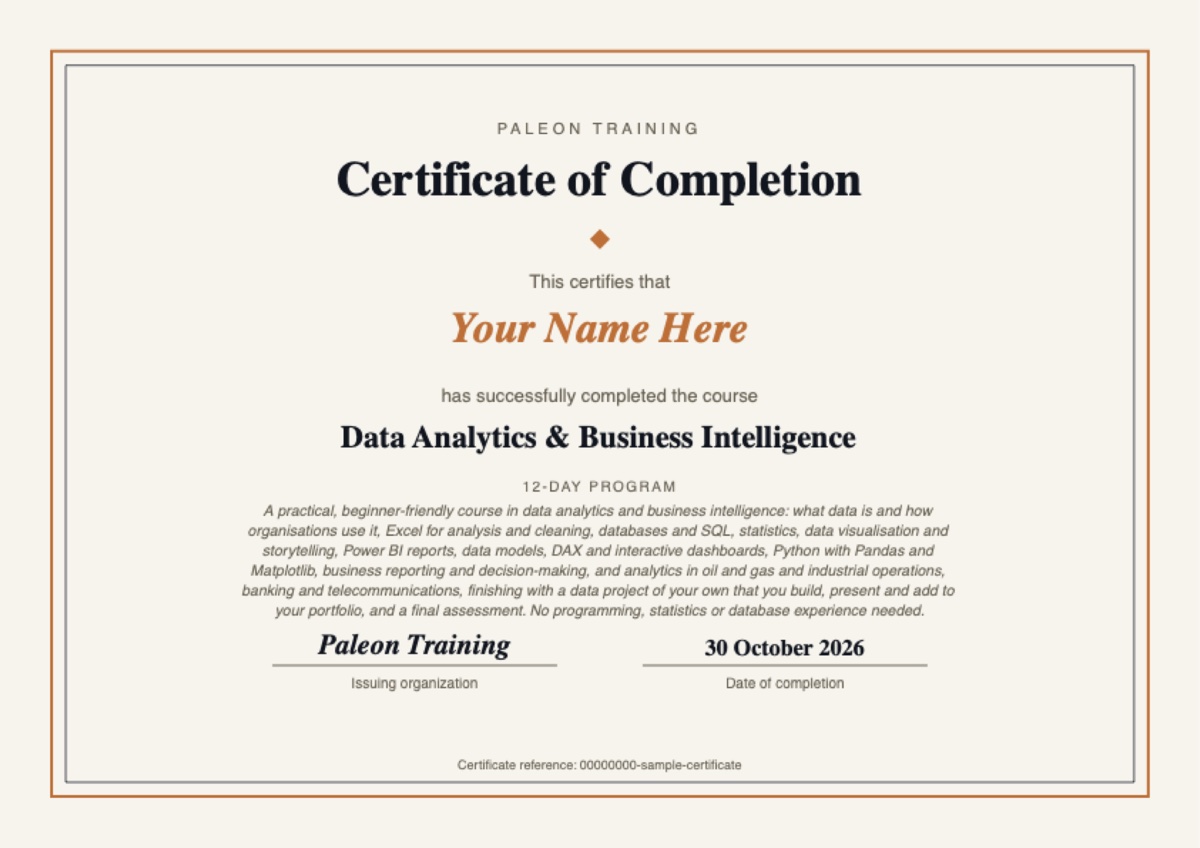
Finish every lesson and you can download your certificate from your dashboard. A sample is below.
CV and reference support
When you finish the course, we help you prepare a CV that shows what you can do, with your project written up as real work. We’ll also provide a reference confirming what you completed, to support your job applications. Email hello@paleontraining.com to request either.
Help when you’re stuck
Report a problem from inside the portal and we reply within 1 working day (Monday to Friday, Nigerian time).
Sample certificate. Yours shows your name, completion date and a unique certificate reference.
Enrolment
Fees and how to enrol
The course fee is ₦250,000. Create an account, choose Data Analytics & Business Intelligence, and follow the payment instructions shown when you enrol. Lessons unlock once your payment is confirmed. For team or company training, see corporate training.
Can’t pay it all at once? Start with ₦20,000. The deposit unlocks Days 1–2 straight away. Pay the balance of ₦230,000 whenever you’re ready to carry on; it unlocks the rest of the course, the final assessment and your certificate. Same total price, no extra fees. Choose “Start with ₦20,000” on the payment page.
No. Every idea is explained in plain English with an everyday example first, and each tool is introduced one small step at a time. If you can use a phone and a web browser, you can start.
Q2
What equipment do I need?
A laptop or desktop with a web browser and an internet connection, plus a free Microsoft account for Excel for the web and a free Google account for Colab. You can read and watch lessons on your phone, but the hands-on work is much easier on a computer. Power BI Desktop runs on Windows; the lessons show Mac users other ways to do the Power BI work.
Q3
Which tools will I use?
Excel for the web, DB Browser for SQLite and SQL, Power BI Desktop, and Python with pandas and Matplotlib in Google Colab. All have free versions. Practice datasets are provided for download in the lessons.
Q4
What do I produce at the end?
A practical exercise in every lesson (cleaning a dataset, SQL queries, a PivotTable report, a Power BI dashboard, an exploratory analysis in Python and more), and on the last day your own analysis of retail, oil & gas, banking or telecoms data, with a dashboard, a short report and a presentation for your portfolio. The course finishes with a 30-question final assessment (pass mark 80%).
Q5
Do you help with CVs and job applications?
Yes. Once you’ve completed the course, we help you prepare a CV that presents your skills and your project work as practical evidence for employers. We also provide a reference from Paleon Training confirming the course you completed. Email hello@paleontraining.com to request them.
Q6
Is this a recognised data analytics certification?
No. You receive a Paleon certificate of completion. It is not a university degree or a vendor certification such as Microsoft’s Power BI Data Analyst exam, though the course is a practical foundation for it.
Q7
Does completing the course guarantee a job?
No. The course builds practical skills and a portfolio, and we help with your CV and a reference once you finish. Hiring decisions are made by employers.